




Installation
यह कंटेंट अभी तक आपकी भाषा में उपलब्ध नहीं है।
Installation Guide
Section titled “Installation Guide”Download and install GalataJ from GitHub Releases. Get up and running in minutes.
Prerequisites
Section titled “Prerequisites”- Java JDK 11+ - Required for profiling Java applications
- IntelliJ IDEA 2023.1+ (optional) - For IDE integration
Step 1: Download from GitHub Releases
Section titled “Step 1: Download from GitHub Releases”- Go to GitHub Releases
- Download the latest release archive for your platform:
- Windows:
galataj-<version>-windows.zip - Linux:
galataj-<version>-linux.tar.gz - macOS:
galataj-<version>-macos.tar.gz
- Windows:
Step 2: Extract Files
Section titled “Step 2: Extract Files”Extract the downloaded archive. You should see the following structure:
galataj-<version>/├── agent/│ └── agent-core-1.0.0-SNAPSHOT.jar├── controller/│ └── controller-1.0.0-SNAPSHOT.jar├── cli/│ └── galataj.exe (Windows) or galataj (Linux/macOS)└── intellij-plugin/ └── galataj-1.0.0-SNAPSHOT.zipStep 3: Add CLI to PATH
Section titled “Step 3: Add CLI to PATH”The CLI (galataj) needs to be accessible from anywhere on your system.
Windows
Section titled “Windows”- Copy
galataj.exeto a directory (e.g.,C:\tools) - Add that directory to your system PATH:
- Open System Properties → Environment Variables
- Edit the PATH variable
- Add
C:\tools(or your chosen directory) - Click OK to save
- Restart your terminal
Alternative: Set system property in IntelliJ IDEA:
- Go to Help → Edit Custom VM Options…
- Add:
-Dgalataj.profiler.cli.path=C:\path\to\galataj.exe - Restart IDE
Linux/macOS
Section titled “Linux/macOS”Option 1: System-wide installation
sudo cp cli/galataj /usr/local/bin/Option 2: User-local installation
mkdir -p ~/bincp cli/galataj ~/bin/echo 'export PATH="$HOME/bin:$PATH"' >> ~/.bashrc # or ~/.zshrcsource ~/.bashrc # or ~/.zshrcStep 4: Install IntelliJ Plugin
Section titled “Step 4: Install IntelliJ Plugin”Method 1: Install from ZIP (Recommended)
Section titled “Method 1: Install from ZIP (Recommended)”- In IntelliJ IDEA, go to File → Settings → Plugins
- Click ⚙️ → Install Plugin from Disk…
- Select the plugin ZIP file:
intellij-plugin/galataj-1.0.0-SNAPSHOT.zip - Click OK
- Restart IDE when prompted
Method 2: Install from Marketplace (If Available)
Section titled “Method 2: Install from Marketplace (If Available)”- In IntelliJ IDEA, go to File → Settings → Plugins
- Search for “GalataJ”
- Click Install
- Restart IDE when prompted
Step 5: Verify Installation
Section titled “Step 5: Verify Installation”Test that everything is working:
# Check CLI is accessiblegalataj --version
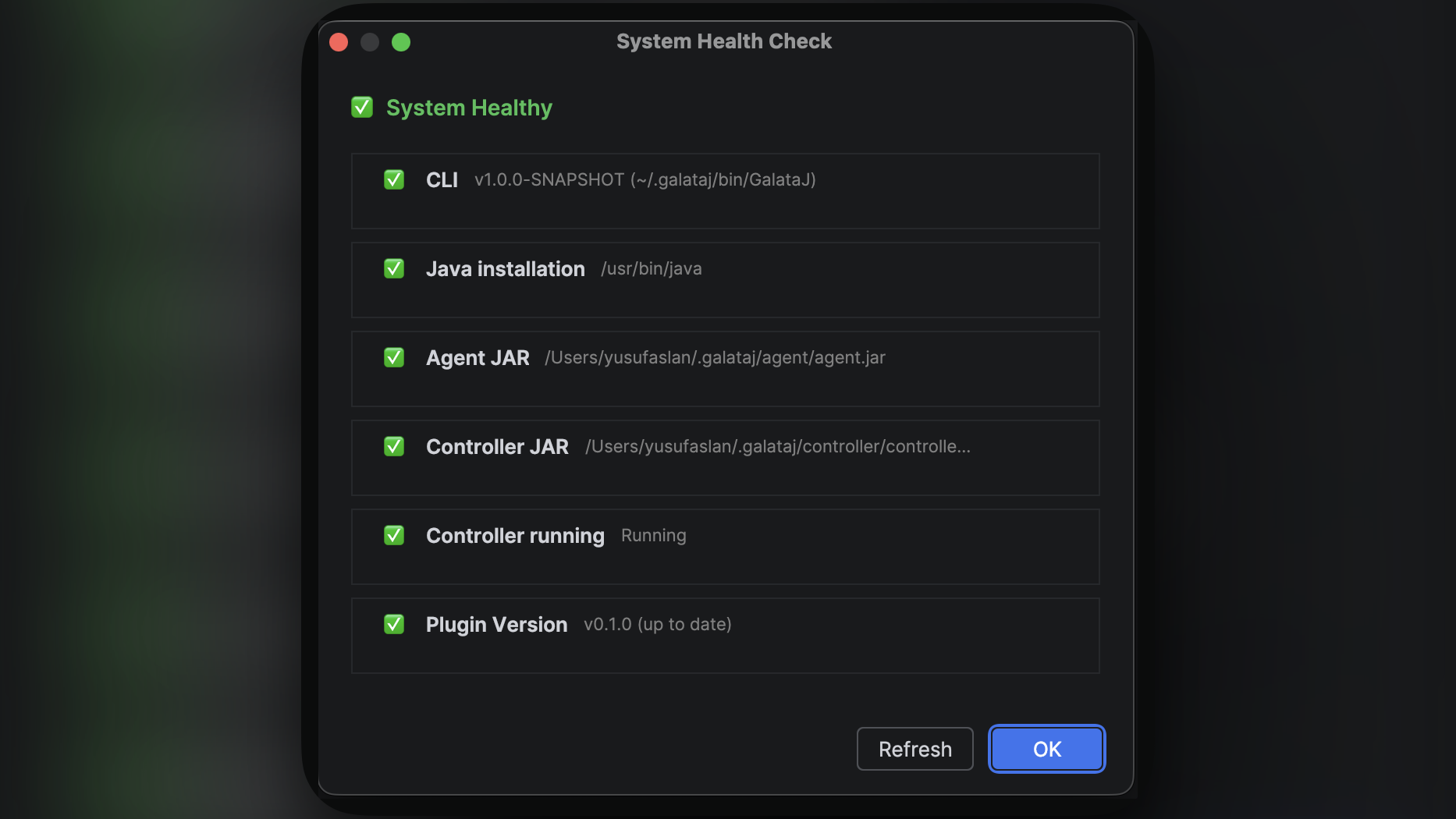
# Run system health checkgalataj doctorExpected output:
✓ Java: Found (11.0.19)✓ Go: Found (1.21.0)✓ Controller JAR: Found✓ Agent JAR: Found✓ Tools.jar: Found✓ Controller: Not running (expected)✓ Ports: Available (9876, 9877)Troubleshooting
Section titled “Troubleshooting”CLI Not Found
Section titled “CLI Not Found”Error: galataj: command not found
Solutions:
- Verify CLI is in the extracted archive
- Check PATH includes the CLI directory
- Restart terminal after adding to PATH
- On Windows, verify file extension is
.exe
Plugin Installation Failed
Section titled “Plugin Installation Failed”Error: Plugin won’t install or appears corrupted
Solutions:
- Verify ZIP file is complete (check file size)
- Try downloading the release again
- Ensure IntelliJ IDEA version is 2023.1 or later
- Check IDE logs: Help → Show Log in Finder
Controller JAR Not Found
Section titled “Controller JAR Not Found”Error: Controller JAR not found
Solutions:
- Verify
controller/controller-1.0.0-SNAPSHOT.jarexists in extracted archive - Ensure you extracted the full archive, not just the CLI
- Check file permissions (Linux/macOS)
Agent JAR Not Found
Section titled “Agent JAR Not Found”Error: Agent JAR not found
Solutions:
- Verify
agent/agent-core-1.0.0-SNAPSHOT.jarexists in extracted archive - Ensure you extracted the full archive
- Check file permissions (Linux/macOS)
File Locations
Section titled “File Locations”After installation, your files should be organized like this:
Windows:
C:\tools\galataj.exe # CLI (in PATH)C:\galataj\ ├── agent\agent-core-*.jar # Agent JAR └── controller\controller-*.jar # Controller JARLinux/macOS:
/usr/local/bin/galataj # CLI (in PATH)~/galataj/ ├── agent/agent-core-*.jar # Agent JAR └── controller/controller-*.jar # Controller JARNext Steps
Section titled “Next Steps”- Follow the Quickstart Guide to start profiling
- Learn about IntelliJ Integration
- Explore CLI commands
- Configure advanced settings
Building from Source
Section titled “Building from Source”If you need to build from source (for development or custom builds), see the GitHub repository for build instructions.